How to sell on WhatsApp: 10 steps to turn conversations into sales
Learn how to sell on WhatsApp with strategy, automation, segmented campaigns, multi-operator support, and integration with other channels.
Selling on WhatsApp doesn’t mean turning every contact into a promotions list.
It means creating an experience where the customer can start a conversation, get their questions answered, receive a recommendation, complete the purchase, and ask for support without hitting obstacles.
When this operation depends only on a phone and whoever’s memory happens to be handling it, messages pile up, two people can reply to the same customer, and important opportunities get lost in the middle of conversations.
Selling consistently on WhatsApp means combining process, team, automation, information, and follow-up.
What does selling on WhatsApp actually mean?
WhatsApp can play a role in every stage of the sales journey:
- brand discovery;
- first contact;
- qualification;
- recommendation;
- proposal presentation;
- checkout or payment;
- order confirmation;
- tracking;
- support;
- repeat purchase.
The sale doesn’t need to happen entirely inside the conversation. WhatsApp can guide the customer to a product page, a checkout, a form, a booking, or a sales rep. What matters is that the conversation reduces the effort needed to move forward.
1. Structure WhatsApp as a professional channel
For a very small, one-person operation, a business app can meet the initial needs.
As the number of contacts and operators grows, it becomes important to have multiple operators on the same number, conversation distribution, history that belongs to the company, tags and internal notes, automation, CRM or e-commerce integration, reporting, permission controls, and access to the official WhatsApp Business API.
Zapify provides a shared inbox, queues, conversation assignment, contact profiles, AI assistants, automations, and API and webhook integrations, as an official Meta partner with access to the official WhatsApp Business API.
2. Create multiple entry points
The customer shouldn’t have to discover the number and save it manually. They can enter a conversation from a button on the site, from the webchat, from a product page, from a QR code in a physical store, from an email signature, from social media, from a campaign, from a Click-to-WhatsApp ad, from a contact page, or from post-sale material.
Each entry point can open a conversation with a message tied to that context. A customer coming from a product page shouldn’t get the exact same approach as someone trying to track an order.
3. Get consent and set expectations
A sales strategy shouldn’t start with unexpected messages. Clearly explain what kind of messages will be sent, for what purpose, at roughly what frequency, and how the contact can stop receiving them.
Keep a record of opt-ins and make opt-out easy. This practice protects the customer relationship and keeps a campaign from being read as spam.
4. Set up a useful welcome message
“Hi, how can we help?” is better than silence, but it still makes the customer explain everything. A good opening message offers clear paths:
Welcome message Hi, {{name}}. Welcome to {{brand}}. What would you like to do? Buttons: View products | Ask for a recommendation | Track an order | Talk to a specialist.
Buttons reduce the customer’s effort and help route the conversation to the right flow. It’s also important to allow free-text messages — not every need fits into a predefined option.
5. Qualify without turning the conversation into an interrogation
Before recommending, you need to understand. Instead of dumping the entire catalog right away, ask two or three relevant questions: what they’re looking for, when they need it by, what their budget is, whether they have a preference, whether they’ve used a similar product before, and whether the purchase is personal or professional.
Qualification should match the complexity of the purchase. For a simple product, one question might be enough; for a service or a higher-value sale, more context may be needed. Once the opportunity is ready, the conversation should reach the right sales rep.
6. Sell in a consultative way
WhatsApp works better as a conversation than as a static shop window. Instead of sending ten products with no explanation, present two or three options and explain why each one fits the request.
Recommendation example Based on what you told me, these are the two best-fitting options: Option A: lighter and suited for everyday use. Option B: longer battery life and better for heavy use. Would you like to compare prices or features? Buttons: Compare | View option A | View option B | Talk to a specialist.
Use images, videos, documents, and short messages when they genuinely help the decision.
7. Make the next step easy
A good conversation can still lose the sale if the customer doesn’t know how to move forward. Every sales interaction should end with a clear next step: view the product, add to cart, resume checkout, pay, book, schedule, request a quote, or talk to a consultant.
Avoid just saying “check our website.” Send the customer to the exact page or action. The shorter the distance between the decision and the completion, the lower the chance of drop-off.
8. Automate follow-up without pushing
Not every customer buys on the first contact. A relevant follow-up can recover the opportunity.
Reminder example Hi, John. Did you have any questions about the option we looked at yesterday? I can help with delivery, payment, or product features. Buttons: Resume purchase | Ask a question | Talk to a specialist | Not interested anymore.
The goal isn’t to chase the customer. It’s to make it easy to come back to the conversation. Set limits on how many follow-ups you send and how often, and stop when the contact shows a lack of interest.
9. Connect WhatsApp to the other channels
While WhatsApp can sit at the center of the strategy, the sale can start somewhere else. A customer might discover the brand on Instagram, ask a question on the webchat, continue on WhatsApp, get an update on another channel, and come back to WhatsApp for post-sale support.
Multichannel increases touchpoints. Omnichannel integration keeps every contact from turning into an isolated conversation. On Zapify, channels can share contacts, history, assistants, and an inbox. Campaigns can use rich messages, buttons, and lists, and replies flow back into the same support operation.
10. Measure sales, not just messages
Having a lot of conversations doesn’t necessarily mean selling more. Track metrics tied to outcomes: conversation source, time to first reply, qualified leads, conversations routed to sales, product clicks, checkouts started, completed purchases, recovered carts, revenue per campaign, conversion by segment, resolution time, repeat purchases, and opt-out requests.
Compare channels, messages, segments, and times. A small change to the opening message or the question sequence can noticeably improve the experience.
Where does the chatbot fit into sales?
A chatbot can handle the first part of the operation: replying instantly, identifying intent, asking qualification questions, presenting products, recovering a cart, checking an order, booking a demo, or routing to the team.
The chatbot doesn’t need to close every sale. In many businesses, its biggest value is preparing the conversation so the operator steps in at exactly the right moment. See also our guide on e-commerce chatbots — one article covers the technology and use cases, the other covers the full sales process.
Mistakes that block sales on WhatsApp
- sending promotions with no context — the contact recognizes the number but doesn’t understand why they got the message;
- taking too long to reply — once the customer shows intent, speed is part of the experience;
- writing huge blocks of text — break the information up and show the next step;
- not routing to a person — complex cases shouldn’t get stuck in an automated flow;
- having multiple operators with no organization — without assignment, you can get duplicate replies or forgotten conversations;
- not keeping history — sales information should stay with the company, even as team members change;
- treating every customer the same — segmentation and context make communication more relevant;
- not measuring conversion — the number of messages sent doesn’t tell you how many sales were generated.
How Zapify helps you sell on WhatsApp
Zapify turns WhatsApp into an integrated part of the sales operation. On the same platform, a company can organize multiple operators, automate the first reply, use AI assistants, build qualification flows, route opportunities, send segmented campaigns, integrate WhatsApp with other systems, connect webchat, Instagram, Messenger, and RCS, keep history and a contact overview, and track replies and conversions.
That lets support, marketing, and sales work on the same conversation, instead of keeping separate, isolated tools and records.
Conclusion
Learning how to sell on WhatsApp isn’t about learning to send more messages. It’s about learning to build conversations that help the customer move forward.
An efficient operation combines a simple entry point, fast replies, qualification, recommendation, a clear next step, responsible automation, human support, cross-channel integration, follow-up, and measurement.
With Zapify, WhatsApp stops being just an app installed on a phone and becomes part of a conversational marketing, support, and sales strategy.
Want to turn your company’s conversations into organized, measurable opportunities? Try Zapify or request a demo.
Frequently asked questions
Is it possible to sell directly on WhatsApp?
Yes. WhatsApp can be used to present products, offer advice, send checkout or payment links, confirm purchases, and follow up on post-sale support.
What’s the difference between WhatsApp Business and the WhatsApp Business API?
A business app can serve small operations. The official API is suited for when you need multiple operators, automation, integrations, campaigns, and centralized management.
How do you sell on WhatsApp without spamming?
Get consent, explain the type of communication, segment your messages, offer value, and make it easy to unsubscribe. Don’t send the same promotion indiscriminately to the whole list.
Can multiple people handle the same number?
Yes, through a platform with a shared inbox and a connection to the official API. Conversations can be distributed and assigned to different operators.
Do I need a chatbot to sell on WhatsApp?
It’s not mandatory, but it can help reply quickly, qualify opportunities, handle repetitive questions, and route contacts to the team.
How do I connect my site to WhatsApp?
You can use buttons, links, QR codes, or an integrated webchat. Ideally, the customer moves to WhatsApp without losing the context of the page or product they were looking at.
Is WhatsApp only for closing the sale?
No. It can also be used for discovery, qualification, follow-up, support, loyalty, and repeat purchases.
How do I measure the sales generated by WhatsApp?
Track conversation source, clicks, checkouts, purchases, revenue, recovered carts, conversions by campaign, and repeat purchases. Whenever possible, integrate the platform with your e-commerce or CRM.
Keep reading
 Strategy
 The End of Free WhatsApp: What Meta Announced and How to Avoid the Full Bill
Starting October 2026, Meta will charge for almost every reply message on WhatsApp Business — free today. We explain what changes, what it could cost, and how Zapify's omnichannel orchestration cuts that impact without retreating from your Conversational Marketing strategy.
Read article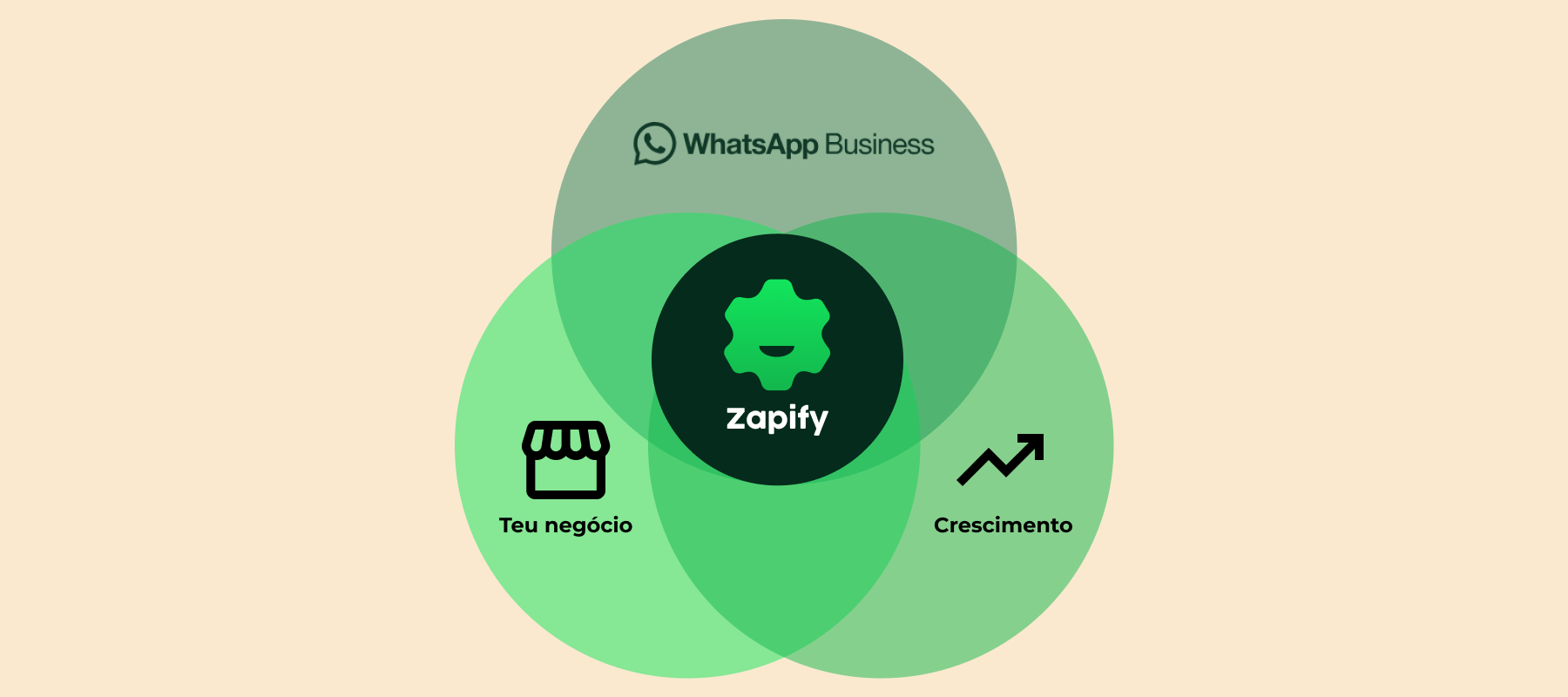 Strategy
 WhatsApp as a SuperApp: How ZAPIFY Can Transform the Relationship Between Companies and Customers
Discover how WhatsApp is becoming a SuperApp and the advantages for businesses. Learn how the strategic use of WhatsApp can reduce costs and increase return on investment.
Read article Strategy
 The Importance of Inbound for Improving WhatsApp Number Quality and Boosting Outbound Campaigns
Explore how an inbound strategy on WhatsApp improves number quality and increases the effectiveness of outbound campaigns. Learn how to strengthen customer relationships and boost conversions.
Read article